
Package Links for GitHub
Ссылки на пакеты для GitHub
Ссылки на пакеты для GitHub
Select an import, a dependency or an install command on GitHub to get links to npm, PyPI, Go and more. Unofficial; no network.
| Firefox | package-links-for-github |
|---|---|
| Firefox id | github-packages@dmitryq |
| Permissions | none |
| Optional | none |
| Sites | none |
| Optional sites | none |
| Runs on |
|
| Firefox data collection | {"required": ["none"]} |
Screenshots from the store materials.
Text from the Firefox Add-ons page.
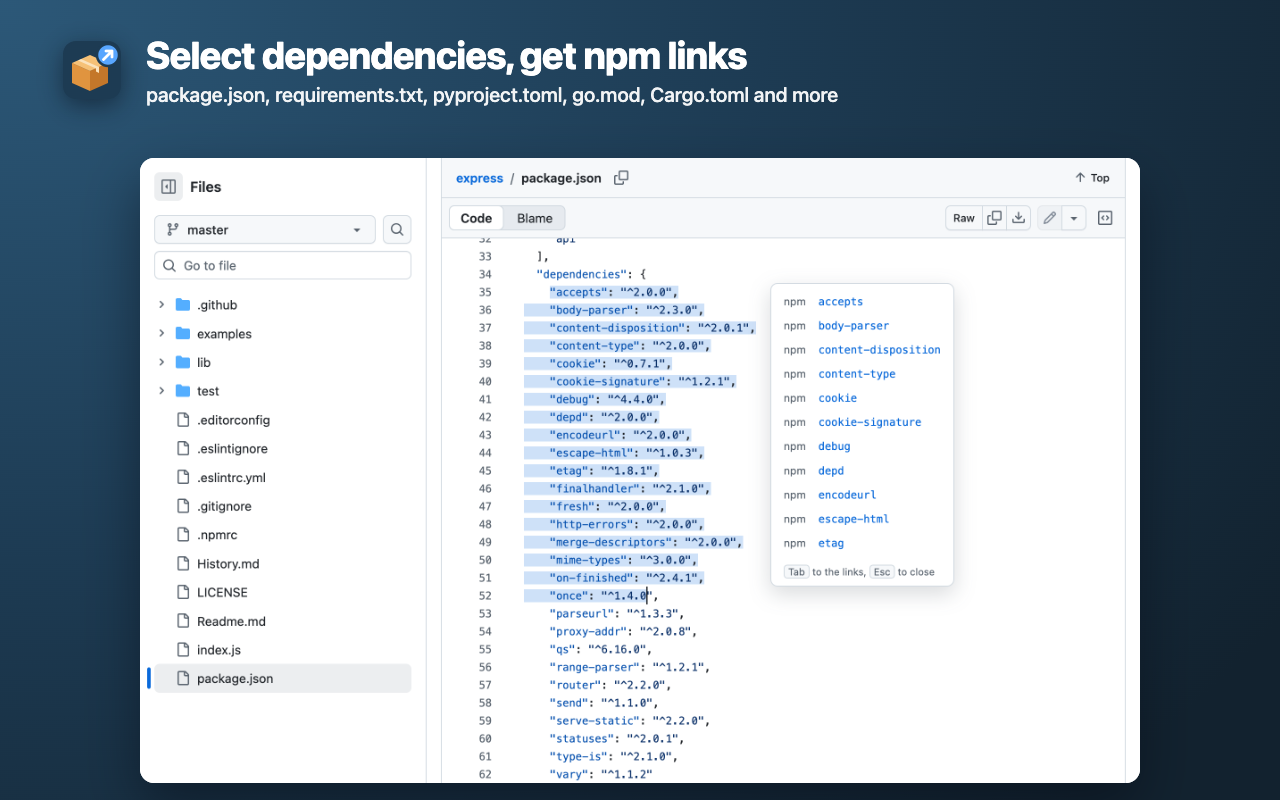
Select a dependency line, an import or an install command on GitHub, and a small panel next to it links to the package pages: npm, PyPI, pkg.go.dev, crates.io, RubyGems, Packagist, Maven Central. Unofficial: not affiliated with GitHub.

WHERE IT WORKS
• File view, including GitHub's new code view, and Raw files (raw.githubusercontent.com).
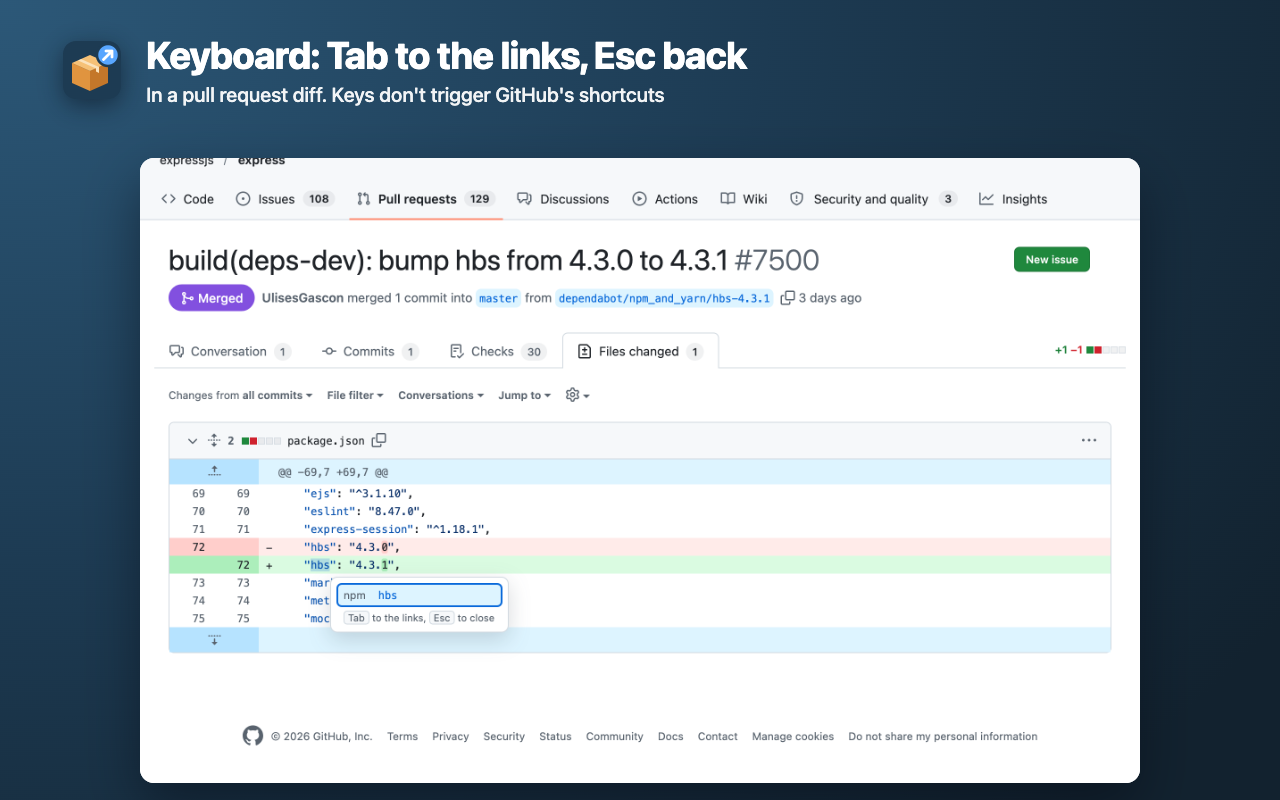
• Pull request and commit diffs: the file name comes from the diff header.
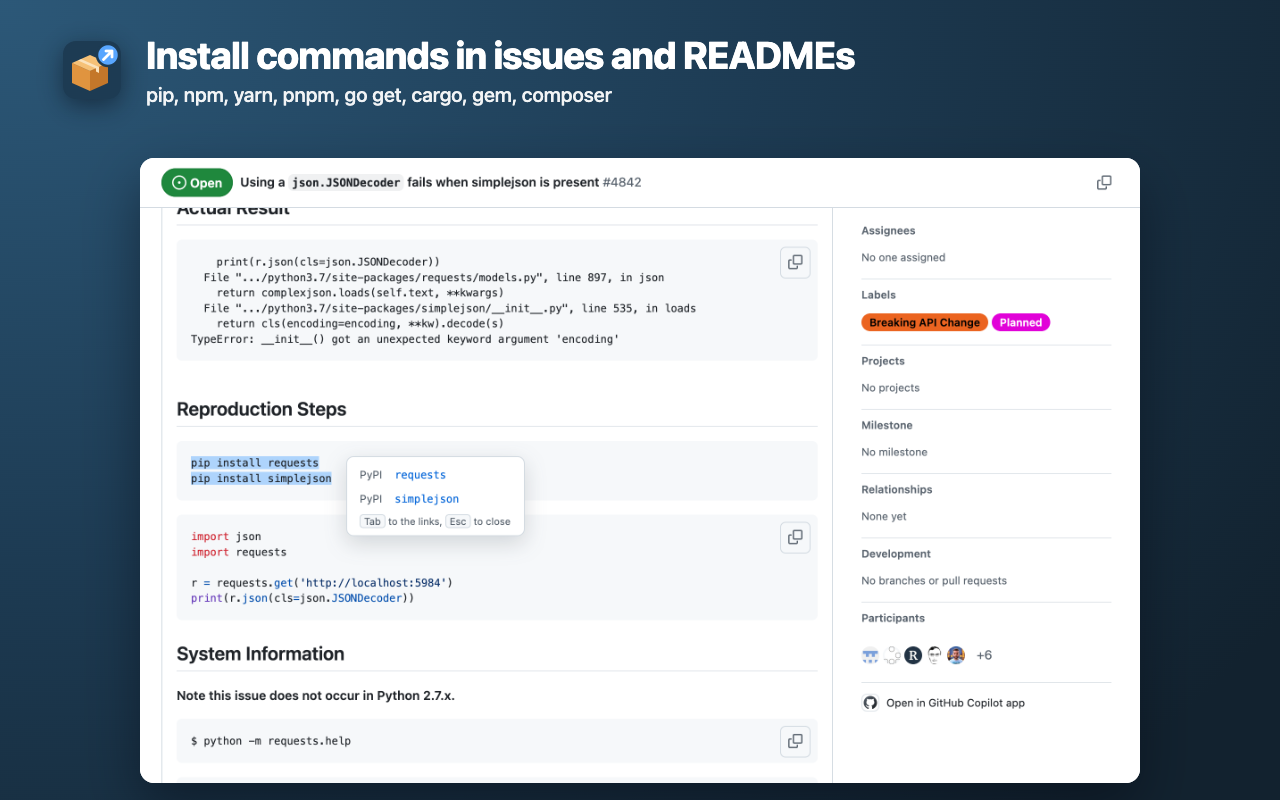
• READMEs, issues and pull request conversations: code blocks and inline code.

WHAT IT READS
• package.json and composer.json: only lines inside dependencies, devDependencies, require and the like. "name", "version", "scripts" and "engines" never become links. An "npm:package" alias links the real package; "file:" and "workspace:" are skipped.
• requirements.txt, pyproject.toml (dependencies, optional-dependencies, dependency-groups, Poetry), Pipfile. Names are normalized the way PyPI does: Foo_Bar → foo-bar, "requests[socks]>=2.31" → requests.
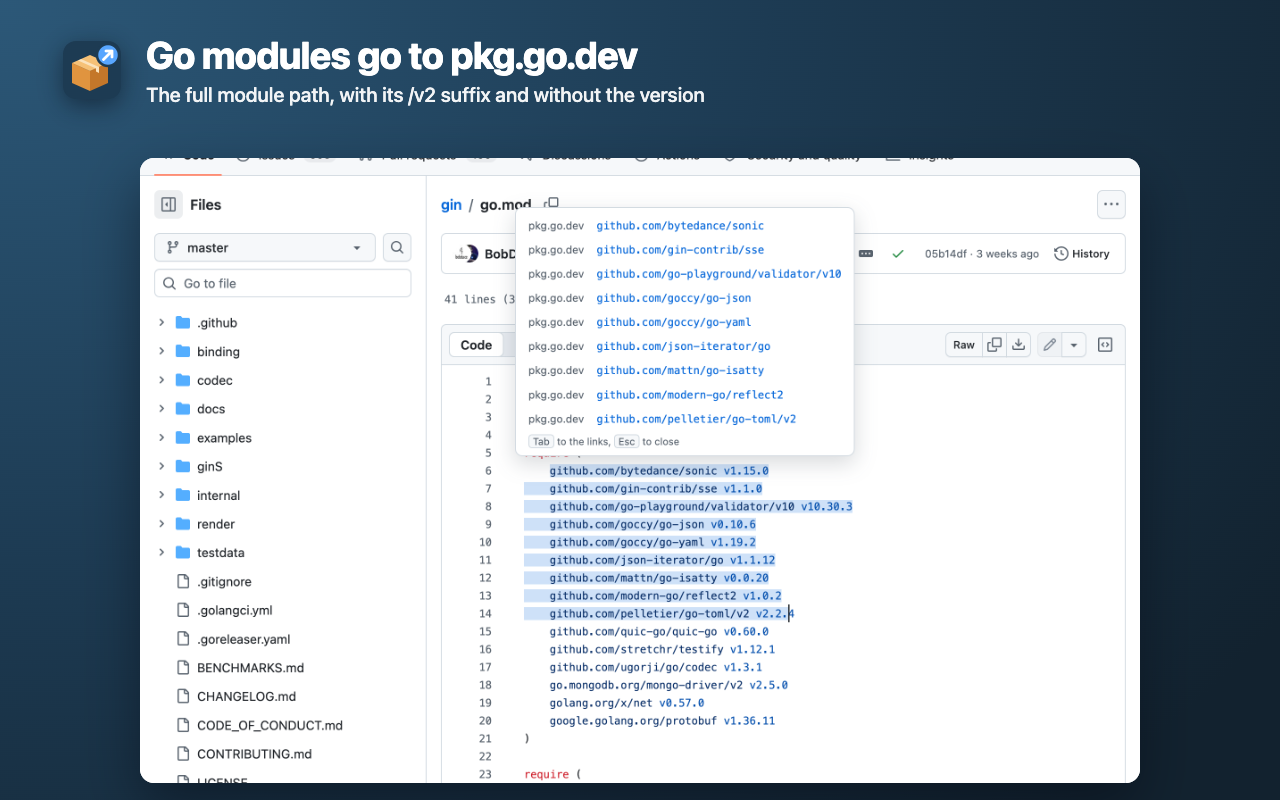
• go.mod and go.sum, Go imports: the full module path, with its /v2 suffix, without the version.
• Cargo.toml, Gemfile and .gemspec, pom.xml, build.gradle and libs.versions.toml.
• JavaScript/TypeScript imports (import, require, import()), including @scope/pkg and subpaths such as lodash/fp. Node.js built-ins (fs, node:path) link to the Node.js docs, not to placeholder packages of the same name on npm.
• Python imports. Standard library modules link to the Python docs, well-known name mismatches are handled (yaml → PyYAML, cv2 → opencv-python, PIL → Pillow, sklearn → scikit-learn), relative imports and the repository's own folders are skipped.
• Commands: pip, uv, poetry, pipx, npm, npx, npm create, yarn, pnpm, bun, go get and go install, cargo add and install, gem install, bundle add, composer require, with "$" or ">>>" prompts and "\" line continuations.

Double-clicking the name is enough: the whole line around the selection is taken into account. Plain text without a command gives no links: "requests" in a sentence is just a word.

KEYBOARD
Keyboard selection (Shift+arrows) works too. While the panel is open: Tab moves to the links, arrows between them, Enter opens one, Esc closes the panel and returns to the code with the same selection. Keys pressed in the panel don't trigger GitHub's shortcuts.

PRIVATE AND OFFLINE
• The add-on downloads and checks nothing: the links are built from the selected text right on the page. So there is no GitHub token to enter and no server of its own that could go down.
• A package name reaches a registry only when you open its link yourself, and the GitHub page address is not sent along.
• No analytics, no ads, no storage, and no permissions beyond access to github.com and raw.githubusercontent.com.

HONEST LIMITS
• Links are not inserted into the code: GitHub's new code view puts an invisible text field over the lines, hence the panel on selection.
• Whether a package exists is not checked (that would need requests to the registries). An internal or private package gives a link that may not open.
• For Python imports the module name is not always the package name; apart from the known cases, the module name is used.
• Gist, GitHub Enterprise and github.dev are not supported.

English and Russian interface, GitHub's light and dark themes.